The 250GB GTA 6 Pre-Load: Why Major ISPs Will Throttle Your Download on Nov 12

Quick Intel
- The digital pre-load for GTA 6 begins on November 12, 2026, exactly one week before launch.
- The game file size is estimated to be a staggering 250GB, requiring massive server bandwidth.
- Major ISPs are likely to enforce aggressive throttling during this period to prevent network congestion.
- Players on gigabit connections may see their speeds artificially capped during the download.
- Changing your DNS settings and optimizing your router can help bypass some ISP restrictions.
The date is set. On November 12, 2026, Sony and Microsoft will flip the switch, and the global pre-load for Grand Theft Auto VI will begin. For millions of gamers, this should be a moment of pure excitement. You click "Download," wait a few hours, and your console is primed for the November 19 launch.
However, network engineers are currently sounding a massive alarm. The file size for GTA 6 is estimated to be a staggering 250GB. When tens of millions of consoles attempt to pull 250GB of data simultaneously, it creates an unprecedented logistical nightmare for Internet Service Providers (ISPs). If you think your gigabit fiber connection will save you, think again. Your ISP is almost certainly going to throttle your download.
The Mathematics of the Pre-Load
To understand why ISPs will resort to throttling, we have to look at the sheer mathematics of this launch. Let's conservatively estimate that 20 million digital pre-orders will attempt to begin downloading on November 12.
If 20 million consoles request 250GB of data over a 24-hour period, that equates to 5 Exabytes of data moving across global ISP networks. To put that into perspective, that is roughly equivalent to the entire global streaming bandwidth of Netflix during peak holiday hours, but highly concentrated over specific regional nodes connecting to Sony and Microsoft datacenters.
ISPs simply do not have the infrastructure to support that kind of sustained, maximum-capacity bandwidth without severely degrading the internet experience for their other customers. If they allow the GTA 6 pre-load to run unthrottled, entire neighborhoods could experience internet brownouts.
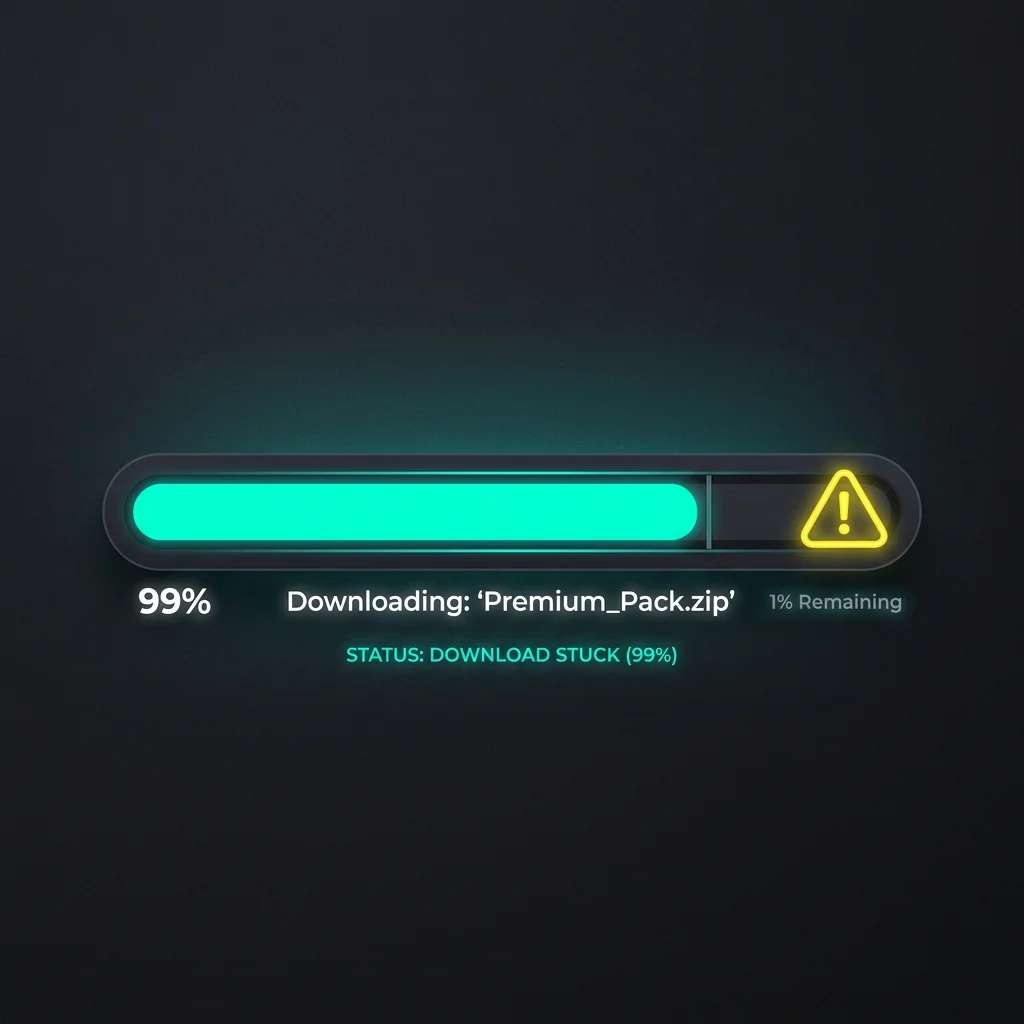
How ISPs Throttle Gaming Traffic
When an ISP detects a massive surge in traffic targeting specific IP ranges (in this case, the PlayStation Network and Xbox Live content delivery networks), their automated traffic shaping algorithms kick in.
They will not completely cut off your connection. Instead, they will artificially cap the bandwidth allocated to those specific gaming servers. So, even if you are paying for a 1000 Mbps connection, your console might only be allowed to pull data at 20 Mbps.
This means a download that should take less than an hour on a gigabit connection could easily take over a day. For players with average internet speeds (around 100 Mbps), the 250GB file could take three to four days to download under heavy throttling conditions. If you wait until November 18 to start your pre-load, you will absolutely miss the midnight launch.
The Code-in-Box Dilemma
This bandwidth crisis is severely compounded by Rockstar's decision to release the physical edition as a "code-in-box." In previous console generations, buying a physical disc meant you could install the bulk of the game data offline, relying on the internet only for a day-one patch.
With GTA 6, physical collectors are in the exact same boat as digital buyers. They will bring home their steelbooks, enter the 12-digit code, and instantly join the queue to download 250GB. Because there is no offline install option, the strain on the networks will be 100% digital, localized entirely to ISP infrastructure.
How to Bypass the Bottleneck
While you cannot completely control what your ISP does, there are several steps you can take to optimize your pre-load on November 12.
First, hardwire your console. Do not attempt to download a 250GB file over Wi-Fi, especially when your ISP is already shaping traffic. A wired ethernet connection ensures you are getting the absolute maximum stability from your router to the console.
Second, change your DNS settings. By default, your console uses your ISP's DNS servers, which makes it easier for them to identify and route your traffic through their heavily congested gaming nodes. By switching to Google DNS (8.8.8.8) or Cloudflare (1.1.1.1), you can often find a more direct, less congested route to the PSN or Xbox Live servers, partially bypassing localized traffic shaping.
Finally, utilize Rest Mode. Both the PS5 and Xbox Series X dedicate more background resources to downloading when the console is put into Rest Mode or Standby. Leave the console off while it downloads, and check the progress via your mobile app rather than keeping the system powered on.
The GTA 6 pre-load is going to test the limits of global internet infrastructure. Do not take your connection for granted. Start your download the exact second the servers go live on November 12, because the digital traffic jam that follows will be historic.
Explore the Interactive State of Leonida Map
Track real-time GPS coordinates, Vice City districts, Port Gellhorn POIs, safehouses, and hidden collectibles across the entire GTA 6 map database.
Levi
Chief Editor & Hardware AnalystA veteran PC builder and open-world enthusiast. Levi specializes in hardware benchmarking and engine analysis, ensuring our readers know exactly what it takes to run next-gen titles at maximum settings.
Sources & References
- Sony PlayStation Network bandwidth allocation reports
- Historical data on ISP throttling during major Call of Duty updates