GTA 6 Pre-Sales Open Tonight: 5 Insider Tricks to Beat Server Crashes
Quick Intel
- GTA 6 digital and physical pre-orders officially open tonight across all major storefronts.
- Historically, major Rockstar launches have completely crippled the PlayStation Network and Xbox Live infrastructure.
- Relying solely on your console’s built-in store app is the most likely way to miss out or get stuck in a transaction loop.
- Using web-based stores, pre-funding your wallet, and avoiding Wi-Fi are critical strategies to secure your copy.
The moment we have all been waiting for is finally here. Grand Theft Auto 6 pre-orders officially go live tonight. Millions of players are setting their alarms, preparing to throw their money at Rockstar Games the second the clock strikes zero.
But if you think you can just casually turn on your PS5 or Xbox Series X, click "Pre-Order," and go to sleep, you are severely underestimating the situation.
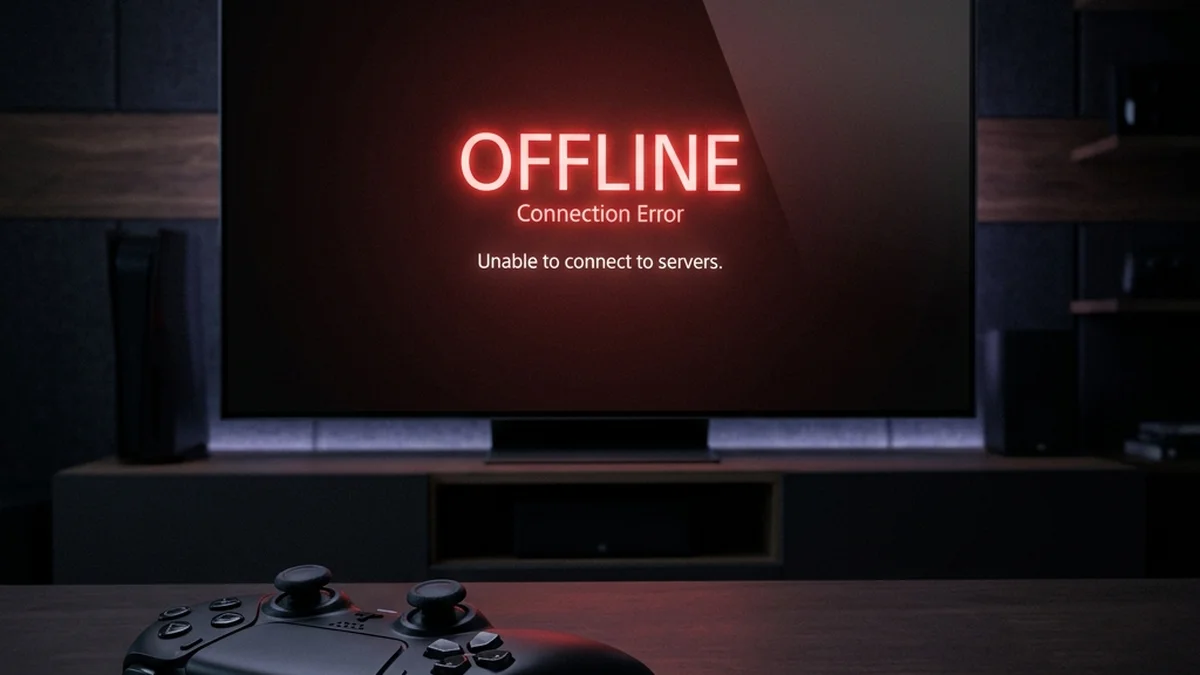
We are about to witness a digital stampede that will stress-test the infrastructure of Sony and Microsoft like never before. Based on historical data from the GTA V launch and recent massive AAA drops, the PlayStation Network and Xbox Live storefronts will almost certainly buckle under the pressure.
Here is the insider playbook on how to beat the inevitable server crashes and secure your copy of GTA 6 tonight.
1. Ditch the Console UI
Your console's built-in store application is notoriously sluggish during high-traffic events. When the servers get hammered, the console UI is often the first thing to freeze, trap you in infinite loading screens, or fail during the checkout process.
Instead, use a desktop browser. Have the web-based PlayStation Store or Xbox Store open on a wired PC. Desktop browsers handle timed-out requests and page refreshes much better than the console dashboard.
2. Pre-Fund Your Digital Wallet
Credit card processing APIs are the weakest link during a digital rush. When millions of transaction requests hit the bank servers simultaneously, authorizations time out, leading to dreaded "Transaction Failed" errors—even if you have the funds.

To bypass this bottleneck, buy digital gift cards right now and pre-load your PSN or Xbox wallet. When the pre-orders drop, checking out with your existing wallet balance requires zero external bank authorization, drastically speeding up the transaction.
3. The Multi-Device Strategy
Do not rely on a single point of failure. Have the store loaded on your desktop PC, your smartphone (using cellular data, not your home Wi-Fi), and your console as a last resort.
If your home ISP experiences routing issues to Sony's servers, your cellular network might still have a clear path.
If the store page crashes, your instinct will be to rapidly hit F5 or refresh. This is a mistake. Aggressive refreshing can trigger DDoS protection algorithms on the storefront, temporarily IP-banning you and locking you out entirely.
If a page fails to load, wait exactly 10 to 15 seconds before trying again. This gives the load balancers time to route your request to a functioning server node.
5. Physical Collector's Editions: Use Direct Links
If you are hunting for the physical Collector's Edition, do not navigate from the retailer's homepage. The front pages of Amazon, Best Buy, and Target will be heavily cached or completely broken.
Find the direct SKU links beforehand (usually leaked on Reddit or Twitter moments before launch) and bookmark them. Bypassing the homepage search function is the only way to beat the scalper bots to the checkout line. Good luck.
Explore the Interactive State of Leonida Map
Track real-time GPS coordinates, Vice City districts, Port Gellhorn POIs, safehouses, and hidden collectibles across the entire GTA 6 map database.
Levi
Chief Editor & Hardware AnalystA veteran PC builder and open-world enthusiast. Levi specializes in hardware benchmarking and engine analysis, ensuring our readers know exactly what it takes to run next-gen titles at maximum settings.
Sources & References
- Historical PSN Outage Data during major AAA launches
- Retailer inventory protocols for collector editions