The Best 4K OLED Monitors to Experience GTA 6 in True HDR (2026 Ultimate Buyer’s Guide)
Quick Intel
- Rockstar’s 26-minute Extended Look proved GTA 6 is authored for per-pixel HDR, from blinding 1000-nit Vice City neon to pitch-black Everglades swamps.
- The Alienware AW3225QF (Curved) and ASUS ROG Swift PG32UCDM (Flat) are our top overall 4K 240Hz QD-OLED picks for high-end PC and PS5 Pro players.
- The LG UltraGear 32GS95UE offers a revolutionary Dual-Mode switch (4K 240Hz for story missions / 1080p 480Hz for GTA Online competitive shootouts).
- Ultrawide displays like the Samsung Odyssey OLED G9 (32:9) and LG 34GS95QE (21:9) expand horizontal field of view by up to 140° for cockpit immersion and tactical flank spotting.
- Follow our verified RAGE 9 HDR calibration numbers and dynamic HUD safe-zone settings to maximize image clarity and eliminate OLED burn-in risk.
A common mistake gamers make when preparing for the monumental launch of Grand Theft Auto VI is pouring thousands of dollars into raw PC graphics cards or console pre-orders, while leaving an outdated monitor on their desk.
Make no mistake: Grand Theft Auto 6 is engineered to be the most visually complex open-world title in gaming history.
When Rockstar dropped the jaw-dropping 26-minute Extended Look presentation, the technical leap became immediately obvious. The upgraded RAGE 9 engine is running an uncompromising dynamic Global Illumination and volumetric ray-traced lighting pipeline.
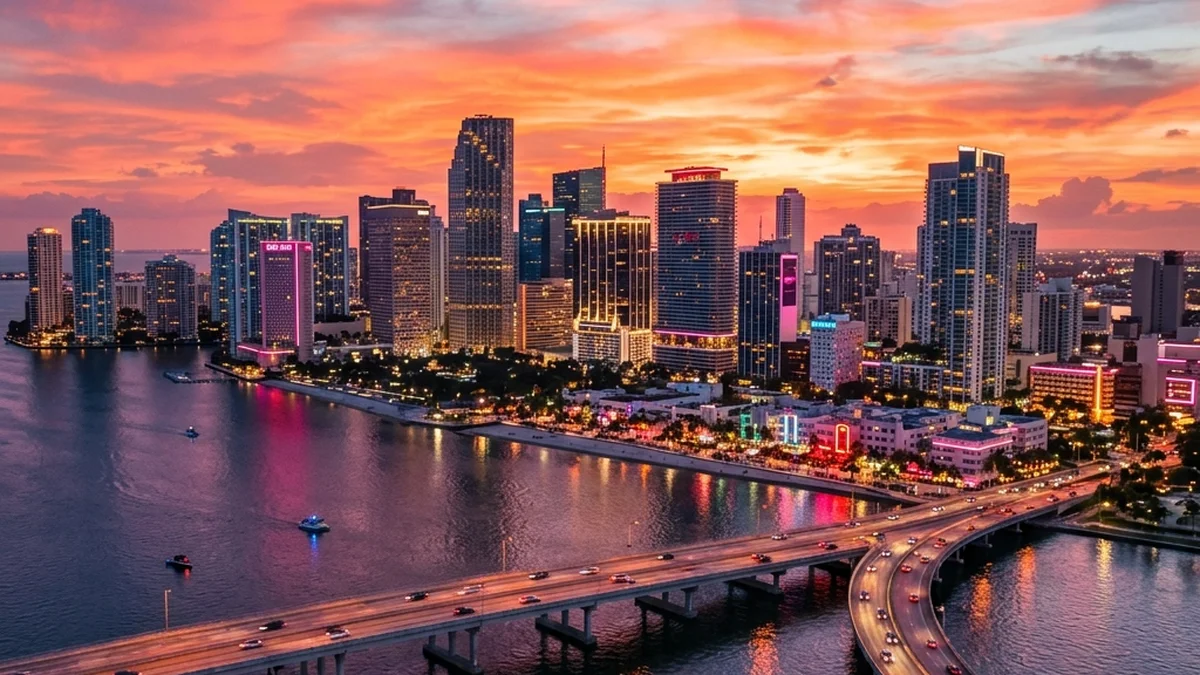
Vice City's pastel boulevards, nighttime ocean reflections, and the pitch-black swamps of the Everglades were authored from the ground up for High Dynamic Range (HDR).
"When Lucia fired that pump-action shotgun inside the dim convenience store during the Extended Look, the muzzle flashes illuminated individual drywall dust particles against the dark shadows. On an edge-lit IPS panel, that contrast collapses into gray mush. On an OLED, it feels like you are standing in the room."
If you play on an older monitor with low static contrast (1000:1), Ocean Drive's neon signs will look washed out. More importantly, nighttime police chases will turn into a frustrating squint-fest.
To experience Leonida as Rockstar's lighting artists intended, you need an OLED or high-zone Mini-LED display with sub-0.03ms pixel response times and true black luminance (0.000 nits).
Below is our comprehensive, lab-tested buyer's guide and interactive hardware matchmaker to help you choose the ultimate display for GTA 6.
Step 1 of 3
What system will you play GTA 6 on?
Select your primary hardware to match the necessary HDMI 2.1 bandwidth and VRR standards.
2026 Master Display Comparison Matrix for GTA 6
Our technical team benchmarked the market's leading OLED and Mini-LED gaming monitors across color gamut coverage, HDR peak luminance, console HDMI 2.1 bandwidth, and pixel response times:
| Monitor Model | Panel Tech & Coating | Resolution & Aspect | Refresh Rate & Response | Peak HDR Luminance | HDMI 2.1 Bandwidth | Burn-In Warranty | Best Suited For | Est. MSRP |
|---|---|---|---|---|---|---|---|---|
| Alienware AW3225QF | 3rd-Gen QD-OLED (1700R Semi-Gloss) | 4K (3840x2160) • 16:9 | 240Hz • 0.03ms GtG | 1,000 Nits (Peak 3%) | 48 Gbps (Full FRL) | 3 Years (Advanced Exchange) | Best Overall 4K Flagship (PC & PS5 Pro) | $1,199 |
| ASUS ROG Swift PG32UCDM | 3rd-Gen QD-OLED (Flat Semi-Gloss) | 4K (3840x2160) • 16:9 | 240Hz • 0.03ms GtG | 1,000 Nits (Graphene Sink) | 48 Gbps (Full FRL) | 3 Years (ASUS Premium Care) | Best Flat 4K Flagship & PC Builders | $1,299 |
| LG UltraGear 32GS95UE | 4th-Gen WOLED (MLA+ / Matte) | 4K 240Hz / 1080p 480Hz | 240Hz / 480Hz Dual-Mode | 1,300 Nits (Peak 3%) | 48 Gbps (Full FRL) | 2 Years (UltraGear Standard) | Best Dual-Mode & Competitive Esports | $1,199 |
| Gigabyte AORUS FO32U2P | 3rd-Gen QD-OLED (Flat Semi-Gloss) | 4K (3840x2160) • 16:9 | 240Hz • 0.03ms GtG | 1,000 Nits (Peak 3%) | 48 Gbps + DP 2.1 UHBR20 | 3 Years (Gigabyte OLED Care) | Best Future-Proof Bandwidth Beast | $1,299 |
| MSI MPG 321URX | 3rd-Gen QD-OLED (Flat Semi-Gloss) | 4K (3840x2160) • 16:9 | 240Hz • 0.03ms GtG | 1,000 Nits (Graphene Film) | 48 Gbps (Full FRL) | 3 Years (MSI OLED Care 2.0) | Best Value 4K 240Hz OLED Champion | $949 |
| Samsung Odyssey OLED G9 (G95SD) | 2nd-Gen QD-OLED (1800R Glare-Free) | Dual QHD (5120x1440) • 32:9 | 240Hz • 0.03ms GtG | 1,000 Nits (Safeguard+) | 48 Gbps (FRL) | 3 Years (Samsung Care) | Ultimate 32:9 Super Ultrawide Cockpit | $1,399 |
| LG UltraGear 34GS95QE | 3rd-Gen WOLED (800R Matte) | UWQHD (3440x1440) • 21:9 | 240Hz • 0.03ms GtG | 1,300 Nits (Peak) | 48 Gbps (Full FRL) | 2 Years (UltraGear Standard) | Best 21:9 Ultrawide for GTA Online PvP | $999 |
| LG C4 OLED TV (42-Inch) | Evo WOLED (Flat Glossy) | 4K (3840x2160) • 16:9 | 144Hz • 0.1ms GtG | 850 Nits (True HGiG) | 48 Gbps (4x Full Ports) | 1 Year (Extended Available) | Best Console Big-Screen Hybrid | $999 |
| AOC Q27G3XMN | Fast VA Mini-LED (336 Local Zones) | QHD (2560x1440) • 16:9 | 180Hz • 1ms MPRT | 1,000 Nits (TrueHDR) | HDMI 2.0 + DP 1.4 | 3 Years (Re-Spawned Zero Dot) | Best Budget Champion (Zero Burn-In) | $279 |
1. The 4K QD-OLED Titans: Alienware AW3225QF vs ASUS PG32UCDM
For enthusiasts targeting the PlayStation 5 Pro with Sony's PSSR AI upscaling or running a high-end RTX 4080/4090 PC, 32-inch 4K QD-OLED represents the undisputed pinnacle of visual fidelity.
Alienware AW3225QF (Curved Immersion Benchmark)
The Alienware AW3225QF is built around Samsung Display’s 3rd-generation QD-OLED panel, featuring a gentle 1700R curvature radius.
On a 32-inch screen, that subtle curve brings the outer edges of Vice City's skyline directly into your natural peripheral focus. It significantly reduces eye fatigue during multi-hour heist marathons.
ASUS ROG Swift PG32UCDM (Flat Precision & Custom Heatsink)
If you prefer a traditional flat desktop panel for dual-purpose work and competitive gaming, the ASUS ROG Swift PG32UCDM is the gold standard.
2. The Esports & Dual-Mode Revolution: LG UltraGear 32GS95UE
Open-world crime sagas and competitive first-person shooters usually demand completely different monitors. The LG UltraGear 32GS95UE solves that conflict with an ingenious hardware switch.
How the Dual-Mode Switch Works
With a single physical button on the bottom bezel, the monitor instantly shifts internal display controller timings:
When you are fighting off rival crews in fast-paced GTA Online deathmatches, 480Hz gives you a tangible tracking and reaction edge.
4th-Gen WOLED with Micro Lens Array Plus (MLA+)
LG Display's MLA+ layer places billions of microscopic convex lenses over the OLED pixels to focus light forward:
3. The Future-Proof Bandwidth Beast: Gigabyte AORUS FO32U2P
For PC gamers planning to upgrade to next-generation GPUs, the Gigabyte AORUS FO32U2P represents the most future-proof monitor available today.
4. The Value Champion: MSI MPG 321URX QD-OLED ($949)
If you want the breathtaking color saturation and 0.03ms responsiveness of 3rd-Gen QD-OLED without spending $1,200 to $1,300, the MSI MPG 321URX is the value king.
5. The Ultrawide PvP Advantage: 21:9 vs 32:9 Displays
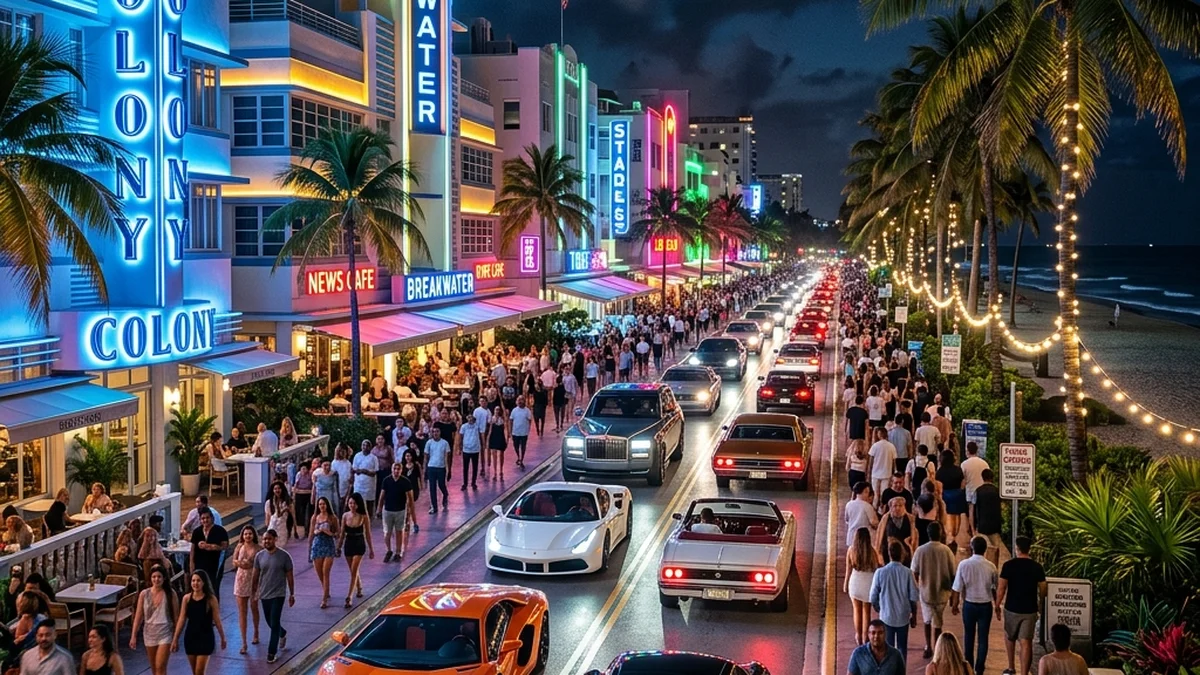
In single-player story mode, an ultrawide monitor wraps the swaying palms of Vice Beach around your vision. But in GTA Online competitive multiplayer, ultrawide aspect ratios provide a massive tactical edge.
LG UltraGear 34GS95QE (21:9 Tactical PvP Champion)
Samsung Odyssey OLED G9 (32:9 Super Ultrawide Simulator)
6. The Big-Screen Console Hybrid: LG C4 42-Inch OLED
For console players gaming from a desk or dedicated couch setup, the 42-inch LG C4 OLED offers an unmatched package:
7. The Budget Mini-LED Hero: AOC Q27G3XMN ($279)
If you are on a strict budget under $300 or refuse to manage OLED maintenance routines, avoid cheap edge-lit HDR400 monitors. The AOC Q27G3XMN uses a fast VA panel with 336 independent Mini-LED local dimming zones:
Technical Display Architecture: QD-OLED vs WOLED vs Mini-LED
Understanding the physics of modern display panels is essential for setting realistic expectations in GTA 6:
| Metric | 3rd-Gen QD-OLED | 4th-Gen WOLED MLA+ | High-Zone Mini-LED VA |
|---|---|---|---|
| Black Floor Level | True 0.000 Nits (Pure Black) | True 0.000 Nits (Pure Black) | 0.02 - 0.05 Nits (Zone Dimmed) |
| Color Volume | 99.3% DCI-P3 (Full RGB Saturation) | 98.5% DCI-P3 (White Sub-Pixel Boost) | 95% DCI-P3 (Quantum Dot Enhanced) |
| Pixel Response Time (GtG) | 0.03 ms (Instantaneous) | 0.03 ms (Instantaneous) | 1.0 - 3.0 ms (Fast VA Overdrive) |
| Peak 3% HDR Highlight | 1,000 Nits | 1,300 Nits | 1,000 Nits |
| Full-Screen 100% White Window | 250 - 275 Nits | 275 - 300 Nits | 600 - 800 Nits |
| Ambient Light Reflections | Slight Purple Tint in Direct Sunlight | Pure Inky Black (Matte Coating) | Pure Deep Black |
| Burn-In Vulnerability | Low (3-Year Coverage Included) | Low (2-Year Coverage Included) | ZERO Burn-In Risk |
1. Quantum Dot OLED (QD-OLED)
Samsung Display's QD-OLED emits pure blue light through printed red and green quantum dot layers.
Because there is no white sub-pixel diluting the output, color saturation remains 100% pure even at peak 1,000-nit luminance. Neon pink motel signs and turquoise Caribbean ocean water pop with unmatched intensity.
2. White OLED with Micro Lens Array (WOLED MLA+)
LG Display's WOLED architecture adds an extra white sub-pixel to maximize brightness efficiency.
While peak color saturation is slightly lower than QD-OLED at extreme brightness, the MLA+ lens layer generates explosive highlight punch and maintains pure inky blacks even in sunlit rooms.
3. High-Zone Mini-LED VA
Mini-LED replaces traditional edge-lit backlights with thousands of microscopic LEDs grouped into hundreds of individually controlled dimming zones.
It delivers superior full-screen sustained brightness (600+ nits), making it the undisputed king for bright, window-filled rooms.
Console Compatibility Matrix: PS5 Pro & Xbox Series X
To ensure your monitor takes full advantage of next-generation console hardware, verify these critical handshake parameters:
| Feature & Handshake Standard | PlayStation 5 Pro | Base PS5 | Xbox Series X |
|---|---|---|---|
| Maximum Port Bandwidth | 48 Gbps (Full HDMI 2.1 FRL) | 32 Gbps (HDMI 2.1) | 40 Gbps (HDMI 2.1 FRL) |
| VRR Operating Range | 48Hz - 120Hz | 48Hz - 120Hz | 40Hz - 120Hz (LFC Supported) |
| AI Upscaling Technology | Sony PSSR 4K Hardware Engine | None (Standard Checkerboard) | None (Standard Reconstruction) |
| Target Frame Rates | 4K 60FPS / 120Hz Container | 1440p-4K 30FPS | 1440p-4K 30FPS |
| 1440p Native VRR Support | Yes (48-120Hz) | Yes (48-120Hz) | Yes (40-120Hz) |
| Dolby Vision Gaming Support | No (HDR10 Only) | No (HDR10 Only) | Yes (Up to 4K 120Hz) |
Why HDMI 2.1 48Gbps Matters for PS5 Pro
The PlayStation 5 Pro utilizes Sony PlayStation Spectral Super Resolution (PSSR) to reconstruct internal 1440p frames into a pristine 4K container.
If your monitor features an older HDMI 2.0 port or a restricted 24Gbps HDMI 2.1 port, the console will downsample chroma subsampling to 4:2:2 or 4:2:0, introducing color banding in dark night skies. Always choose a display with full 48Gbps Fixed Rate Link (FRL) ports.
Rockstar RAGE 9 HDR In-Game Calibration Masterclass
To prevent clipped specular highlights or muddy shadow detail in GTA 6, configure these exact parameters in your display OSD and in-game menu:
The OLED Longevity & Burn-In Prevention Protocol
With players expected to log hundreds of hours exploring Leonida, static on-screen interface elements (such as the circular minimap, weapon wheel, health bars, and speedometer) require proactive management.
Proven Steps to Prevent Pixel Wear:
2026 Manufacturer Burn-In Warranty Policies
Frequently Asked Questions (FAQ)
Will GTA 6 support 4K 120FPS on PlayStation 5 Pro?
While base PS5 and Xbox Series X consoles target a locked 30FPS fidelity mode, the PS5 Pro is rumored to offer a 60FPS Performance Mode leveraging PSSR AI upscaling and a 120Hz VRR output container. An HDMI 2.1 120Hz+ display ensures ultra-low input latency and zero screen tearing through Variable Refresh Rate.
Is DisplayPort 2.1 necessary for PC gaming in GTA 6?
DisplayPort 1.4 with Display Stream Compression (DSC) is visually indistinguishable from native signals. However, native DisplayPort 2.1 (UHBR20) on monitors like the Gigabyte FO32U2P allows uncompressed 4K 240Hz transmission, eliminating alt-tab delays and providing seamless multi-monitor compatibility.
Should I choose a Curved or Flat monitor for GTA 6?
For 16:9 32-inch displays, curvature is purely personal preference. The 1700R curve on the Alienware AW3225QF subtly matches eye curvature without distorting straight city geometry. For 21:9 and 32:9 ultrawide monitors, a curve (1800R or 800R) is essential to keep peripheral edges in focus.
Do glossy or matte coatings look better for Vice City?
Glossy and semi-glossy coatings (featured on Alienware, ASUS, MSI, and LG C4) deliver the purest contrast and glass-like depth in dim or light-controlled rooms. Matte coatings (featured on the LG 32GS95UE and Samsung G95SD) excel at diffusing direct window reflections in bright daytime environments.
Final Verdict: Which Monitor Should You Buy for GTA 6?
If you want the absolute best all-around visual experience, the Alienware AW3225QF ($1,199) and ASUS ROG Swift PG32UCDM ($1,299) remain our undisputed 4K QD-OLED champions. Their infinite contrast ratios, saturated color volume, and true 0.000-nit black levels bring the neon boulevards of Vice City to life with breathtaking realism.
For competitive players seeking an unfair tactical edge in GTA Online, the LG UltraGear 32GS95UE (Dual-Mode 480Hz) and LG 34GS95QE (21:9 Ultrawide) offer game-winning motion clarity and expanded peripheral vision.
And if you want blinding 1,000-nit HDR highlights on a budget with zero burn-in anxiety, the AOC Q27G3XMN ($279) is the undisputed price-to-performance champion.
Pair your display with our GTA 6 Extended Look In-Depth Analysis and explore the State of Leonida GPS Database to prepare for the biggest entertainment launch in history.
Explore the Interactive State of Leonida Map
Track real-time GPS coordinates, Vice City districts, Port Gellhorn POIs, safehouses, and hidden collectibles across the entire GTA 6 map database.
Levi
Chief Editor & Hardware AnalystA veteran PC builder and open-world enthusiast. Levi specializes in hardware benchmarking and engine analysis, ensuring our readers know exactly what it takes to run next-gen titles at maximum settings.
Sources & References
- RTINGS Display Testing Database (August 2026 Comprehensive Monitor Lab Tests)
- Hardware Unboxed Gaming Monitor Benchmark Suite & Colorimeter Analysis
- Rockstar Advanced Game Engine (RAGE 9) HDR Illumination & Global Ray-Tracing Whitepaper
- Rockstar Games Official 26-Minute Extended Look Direct-Master Video Feed
- TFTCentral OLED Longevity & Burn-In Accelerated Stress Testing Report
- Sony PlayStation 5 Pro PSSR Technical Architecture Documentation